Market Day. Your Rules.
No WiFi Required.
You're at booth 47 at the Saturday market, phone at 12%, WiFi came and went an hour ago. WTB handles Square POS when you're online, and keeps cash sales, inventory, and your sales team moving when you're not.
Your booth doesn't stop because the WiFi did.



Point of Sale
Square card payments, manual entry, and cash — whichever the customer reaches for.
Card Reader
Accept cards with your Square reader. Tap, chip, swipe — whatever the customer's got.
Manual Card Entry
Type in card details when the reader's having a moment. Because hardware has feelings too, apparently.
Cash Payments
Enter what they handed you, see what to hand back. The math is free.
Offline Cash Sales
Take cash sales with no signal — ring them up, make change, hand over a receipt. Your inventory counts sync up the moment you're back online.
Sales Team
Delegate the selling. Keep the control.
Multi-Salesperson
Create operator profiles for each helper. Optional PIN protection so your weekend volunteer can sell without accessing your entire operation.
Granular Permissions
Control who sees what. Sales only, inventory and reports, or the full dashboard. You decide.
Time-Bounded Access
Grant extended permissions that auto-revoke after a date. Perfect for the friend who's "helping out this weekend."
Event Tagging
Tag sessions with event names like "Portland Saturday Market" or "Garage Sale 3/15." Every transaction records who sold what, where, and when.
Inventory Controls
Real counts. Real alerts. Not a spreadsheet you forgot to update in March.
Barcode Scanning
Three modes: Sales (auto-decrement), Receiving (auto-increment), and Manual. Camera stays open for rapid-fire scanning between customers.
Reorder Points
Set thresholds per item. Get a nudge before you're empty, not after someone asks for the thing you just ran out of.
Stocktake
Physical count versus expected. Discrepancy indicators show the gaps. Post-convention count in 10 minutes, not 10 spreadsheets.
CSV Import
Bulk update quantities from a spreadsheet. Because manually editing 200 items after a big event is not a productive use of your evening.
Low Stock Alerts
Dashboard shows what's running low. Orange for low, red for out. You'll know before the customer does.
Inventory Dashboard
Summary cards: tracked items, total units, low stock count. Filter by status. One screen, full picture.
Reports & Analytics
Know your numbers without an accounting degree.
Sales Reports
PDF and CSV for any date range. Who sold what, where, for how much. Useful when the tax person comes knocking.
Stock Level Reports
All tracked items grouped by location with current quantities and reorder points. Know what you have before you pack for the next market.
Movement Reports
See what moved in a date range. Net changes per item, color-coded so the trends jump out.
Valuation Reports
Quantity times value, grouped by location with subtotals. Know what your rolling inventory is actually worth.
Backstock to Live Listings Between Customers.
You already counted it, photographed it, priced it, shelved it. The app knows every detail. Connect eBay once and turn the same inventory records into live listings without re-entering a thing — from the booth, the counter, or the couch after hours.
Your Inventory. Live on eBay.
eBay is the one marketplace with a real API, and we use all of it. OAuth connect, AI drafts, business-policy selection, category-aware conditions, and a sync loop that books your sales automatically.
Barcode to Buy-It-Now
Scan it, tap Sell, pick eBay. The item's title, photos, and category you already captured flow straight into the listing. Between-customer listings become a real thing.
AI Drafts Every Field
Title (80 chars, tuned for search), description, suggested price, condition, brand, UPC, package weight. Generated. Editable. Ready before the next customer walks up.
Your Business Policies, Reused
We pull your existing eBay shipping, return, and payment policies from Seller Hub. Pick the right one per listing from a dropdown. No duplicating setup you already did.
Sold Closes the Loop
When the sale hits, the app creates a Sale record with buyer, eBay fees, shipping, and net — and moves the item out of inventory. Your end-of-month reports just work.
A Listing Without the Listing Marathon
From inventory record to live on eBay. Five taps — most of them 'yes, that's right.'
See It In Action
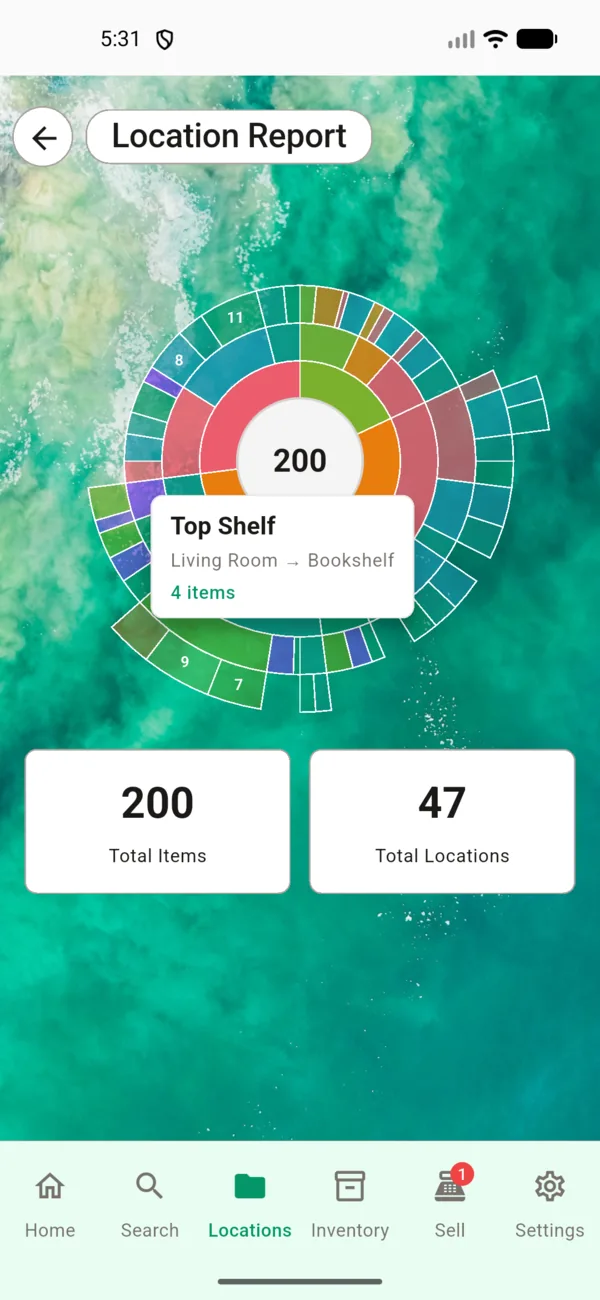
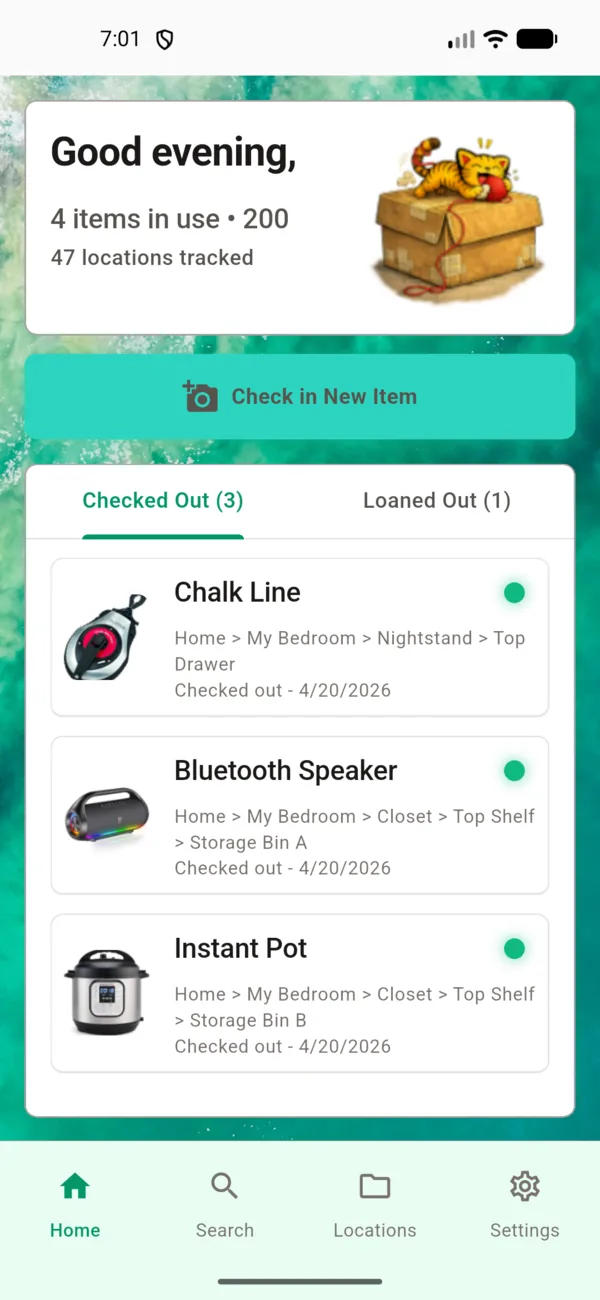
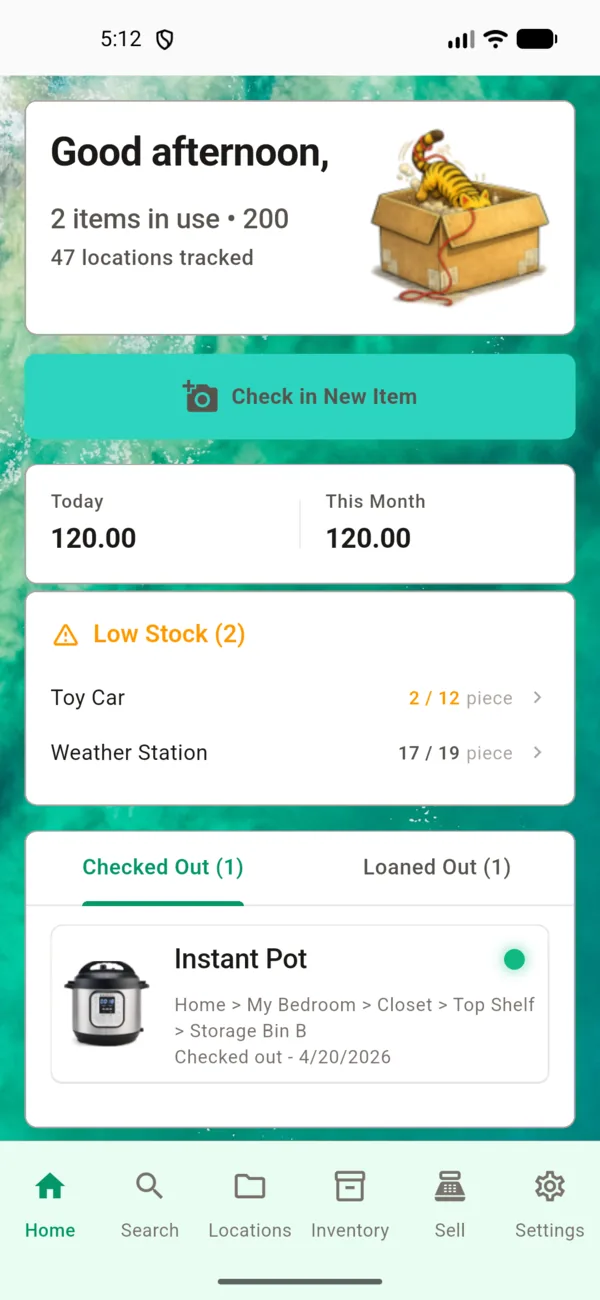
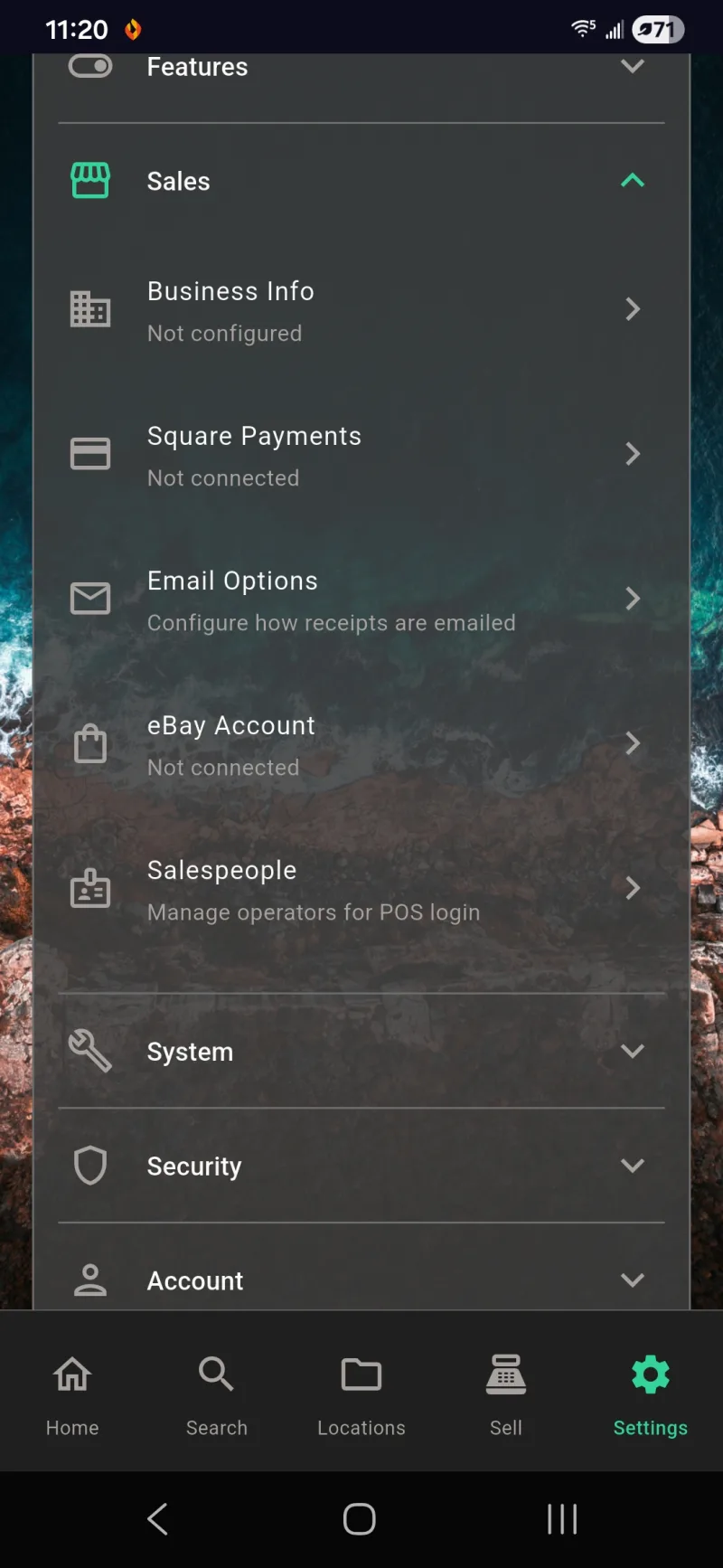
A clean, intuitive interface designed for real-world use. Fully customizable themes and backgrounds.
Customer-Facing Receipts
Hand your device to the customer. Large text, itemized total, and they pick their language on the spot. 19 options. No printer required.
Start Simple. Grow When Ready.
Feature controls let you hide what you don't use yet. Start with inventory only, add POS when you're ready, bring on a sales team when the booth gets busy. Clear the clutter, keep the capability.
Get Back to Making Things.
End the sidequests. Stop buying duplicates. Spend your time creating, not excavating. Free core features, no ads, no tracking.